
What turns an ordinary tote bag, T-shirt or mug into something worth keeping? Often, it is a personal touch that makes it unique. A name, photo or custom design can transform a simple product into a meaningful keepsake. As consumers increasingly seek products that reflect their individuality, personalization has become a growing part of how they shop. For businesses, this presents an opportunity to offer customised merchandise, cater to different occasions and create products on demand.
But personalization also brings operational challenges. Every order can be different, requiring businesses to manage customer designs, product variations, pricing and production workflows efficiently. As order volumes increase, handling these processes manually can become difficult.
The opportunity, therefore, is not just to offer personalized products, but to have a workflow that makes personalization practical and scalable.
Simplifying the Customization Process
Making personalization practical at scale requires businesses to connect the different stages of the process, from creating a design and managing an order to preparing the job for production and printing.
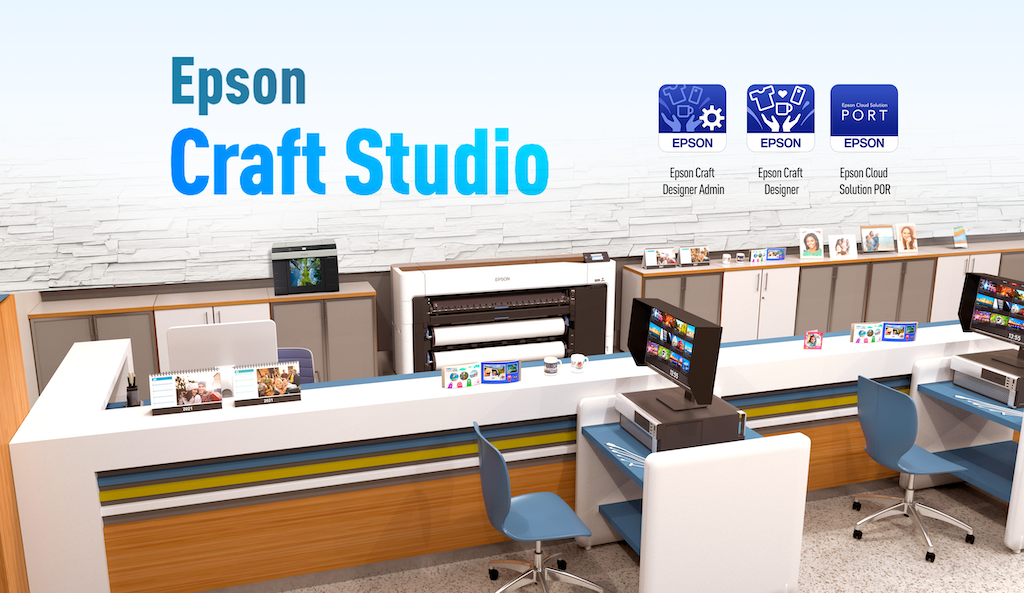
Epson Craft Studio, an integrated all-in-one subscription software suite, is designed to bring these stages together for personalized-item businesses. It connects tools for product customization, merchandise management, production and printing, helping businesses manage orders through a more streamlined workflow.
The suite includes Epson Craft Designer for product customization, Epson Craft Designer Admin for merchandise management, Production Flow for print-job management and Epson Print Hub for centralized printer management.
Customers can upload photos using their smartphones and customize products through templates, frames, characters and stickers in Epson Craft Designer. Store owners, meanwhile, can use Epson Craft Designer Admin to manage their product offering, including adding or editing items and updating prices.
By connecting these functions within the same workflow, businesses can reduce the manual steps involved in moving an individual order from customization to production, which becomes increasingly important as the number and variety of orders grow.
Bringing Order to Production
Production Flow helps businesses manage incoming print jobs in real time, with the job list updating as orders enter and move through production. Operators can also select printers and use pre-registered print settings for different jobs.
Epson Print Hub then connects the workflow to compatible Epson large-format printers. Because the print settings established through Production Flow can be applied automatically, operators do not have to repeatedly configure settings for every individual job.
A more connected workflow can help businesses spend less time moving files, checking settings and keeping track of individual jobs, leaving more attention for customers, products and production itself.
Creating More Room to Grow
For smaller businesses, entering the personalized merchandise market can also raise practical questions about space, equipment and the complexity of managing a growing range of products.
Epson Craft Studio is designed to simplify this environment by connecting the software needed for design, merchandise management, and production with compatible printing equipment.
Epson says the workflow can support quick turnaround, with personalized products potentially ready for same-day pickup depending on the job.
That can give businesses greater flexibility in how they respond to different kinds of demand.
From Creative Idea to Finished Product
Personalization ultimately depends on creativity, but turning that creativity into a viable business also requires an efficient way to produce it.
As customers look for products that feel more individual, businesses have an opportunity to turn customization into a stronger part of their offering. The challenge is making sure the processes behind those products can keep pace.
By connecting design, ordering, job management and printing in one workflow, subscribing to Epson Craft Studio helps businesses simplify what happens between a customer’s idea and the finished product.
To learn more about Epson Craft Studio, check printer compatibility or request a demo, visit the Epson Craft Studio website.