
MANILA, Philippines – For Filipino freelancers working with clients overseas and earning in USD, payday feels like a big win, especially when the exchange rate is favorable. And now that the dollar is strong against the peso, you may be looking more closely at how to make the most of your earnings.
But while exchange rates are always changing, knowing how to manage your USD income is what really makes a difference. The good news is that getting started doesn’t have to be complicated. In fact, all you need is one app.
The GCash Virtual US Account offers a convenient way to receive USD payments and bring those earnings into your GCash e-wallet, where you can use them for everyday expenses and even explore opportunities to grow your savings. How exactly can you do that? Here are three simple ways to make the most out of every payday with GCash.
1. Be strategic about when to convert your dollars into pesos
When the dollar is strong, it can be tempting to convert your entire salary into PHP right away. But before you do, take a moment to check the exchange rate and look into expert projections.
With the GCash Virtual US Account, you can review the current forex rate before withdrawing your USD to your e-wallet in pesos. This lets you make an informed decision about when to convert based on when it’s most favorable to you.
2. Give your payday a little breathing room
It’s easy to get carried away when your pay comes in, especially when it feels like you’ve earned a little extra. But before adding everything to your online shopping cart, take stock of the expenses you have coming up. Start with the essentials each month: rent, utilities, groceries, internet bills, and work-related subscriptions.
Having your earnings accessible through your GCash wallet makes it easier to manage everyday expenses, especially since you can pay bills and make important purchases through the app.
3. Set aside for the future and grow your funds
After taking care of your expenses, don’t forget to set something aside for yourself and your future plans. Maybe you’re saving up for a holiday trip, planning to upgrade your laptop, or building an emergency fund for when projects are a little slow. Whatever the goal, setting aside even a small amount from every payout can help you get there.
With GCash, you can explore GSave’s savings options to help you set money aside, or check out GStocks PH if you’re interested in investing in the local stock market. Just be sure to understand the fees and terms before getting started!

Get more out of every payday with GCash Virtual US Account
Earning in USD comes with its perks, and having the right tools can make managing those earnings even easier. With the GCash Virtual US Account, eligible users can receive their pay via their own ACH numbers without additional charges, choose when to convert their money, and manage their earnings within their GCash wallet.
New to GCash Virtual US Account? If you’re a freelancer working hard for every dollar, there’s never been a better time to try it. Get a $10 bonus on your first deposit, zero wire fees, and a special ₱64 = $1 rate. It’s an extra boost to your hard-earned pay—and a simpler, more convenient way to receive and manage your USD payments. Promo runs until December 31, 2026 only!
So the next time payday rolls around, you’ll have even more ways to make the most of the money you’ve worked hard for.
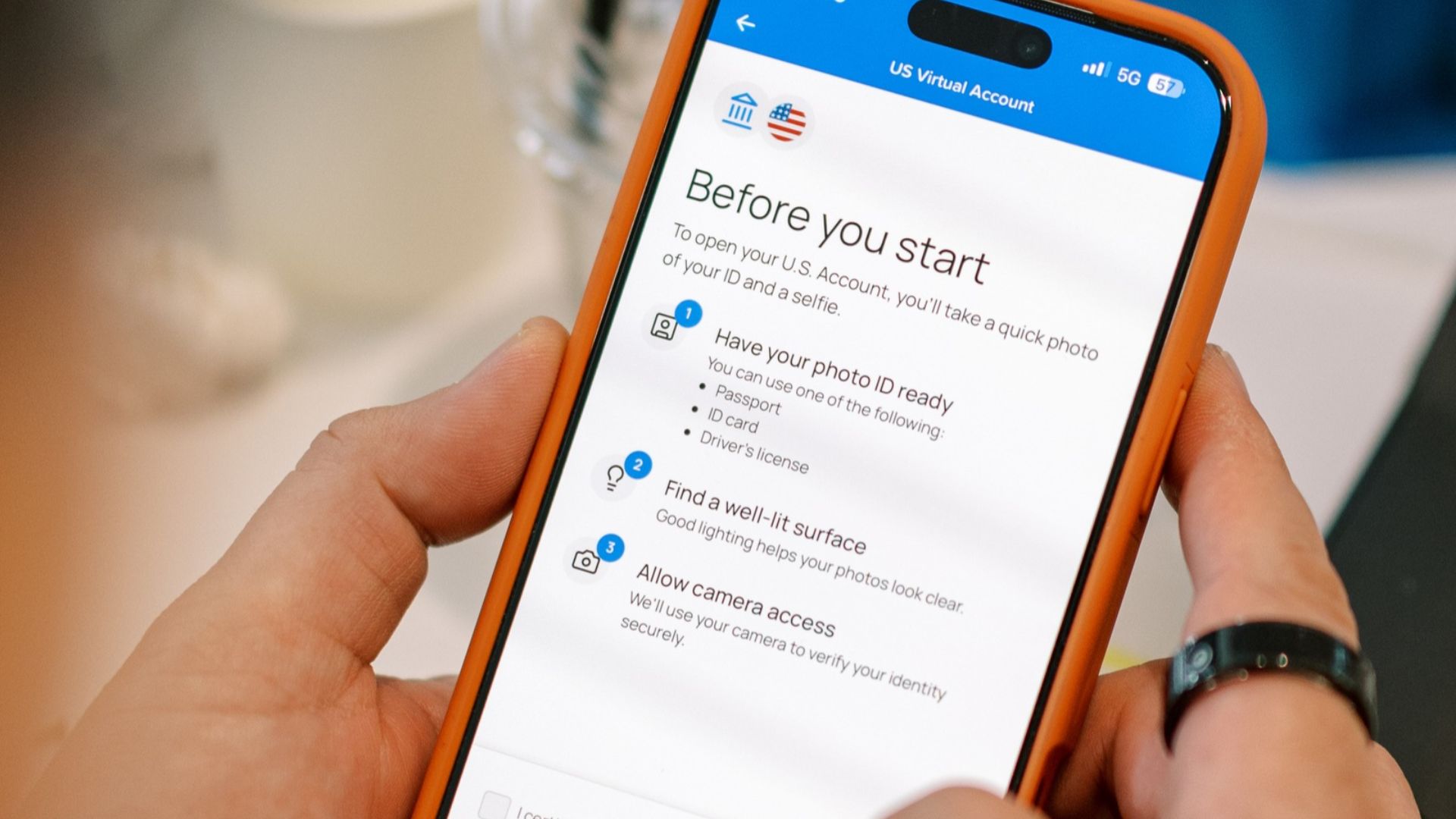
Getting started is easy:
- Open the GCash app. Tap US Accounts in the Explore the App section.
- Tap Continue and verify your information.
- Complete your account creation.
- Share your GCash Virtual US Account details to your employer.